
Ordering
Order ahead. Or at the table.
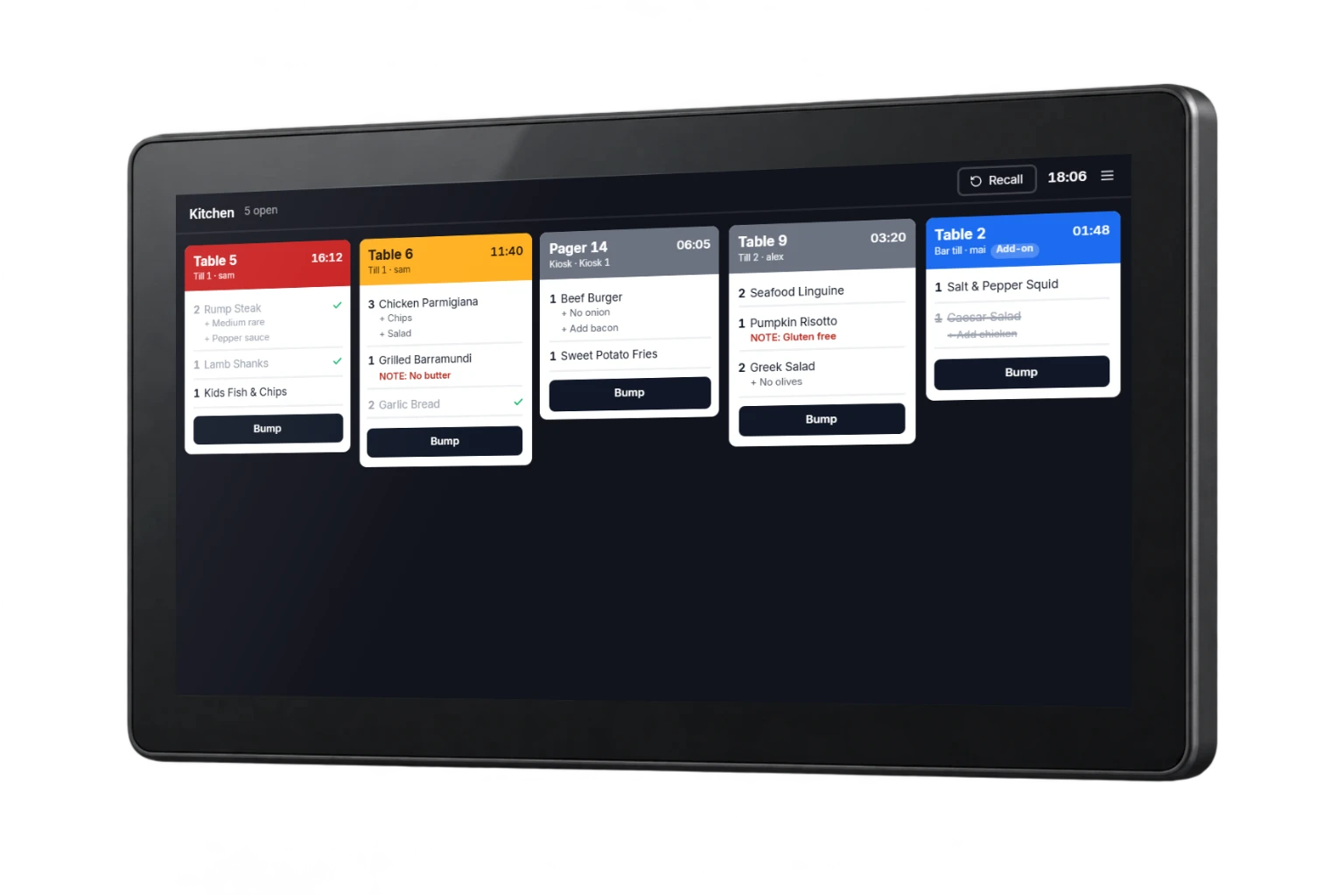
Let customers order ahead for pickup or scan a code at the table. Bring both journeys into the POS and kitchen workflow you agree with our team.
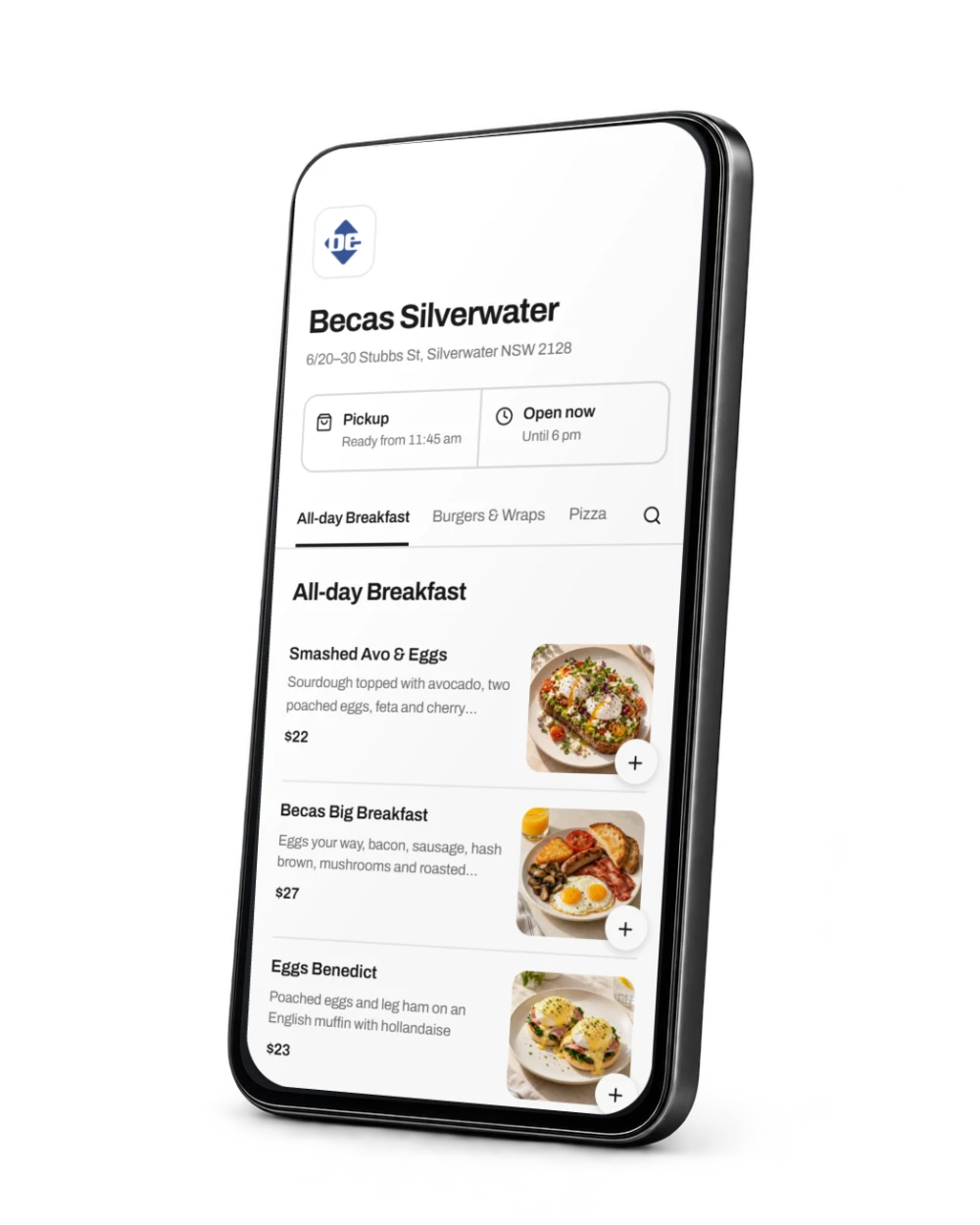
- Order ahead for pickup
- Scan at the table
- Connected preparation
An order journey that comes back to you.
Customers open your ordering link before visiting or scan a table code when they sit down. Your team receives the item choices and pickup or table reference through the agreed POS and kitchen workflow.
- 1
Open the menu
Customers follow your online ordering link or scan the code at their table.
- 2
Place the order
They choose items, review pickup or table details and complete the agreed checkout flow.
- 3
Prepare and serve
Your team receives the order with the reference needed for collection or table service.
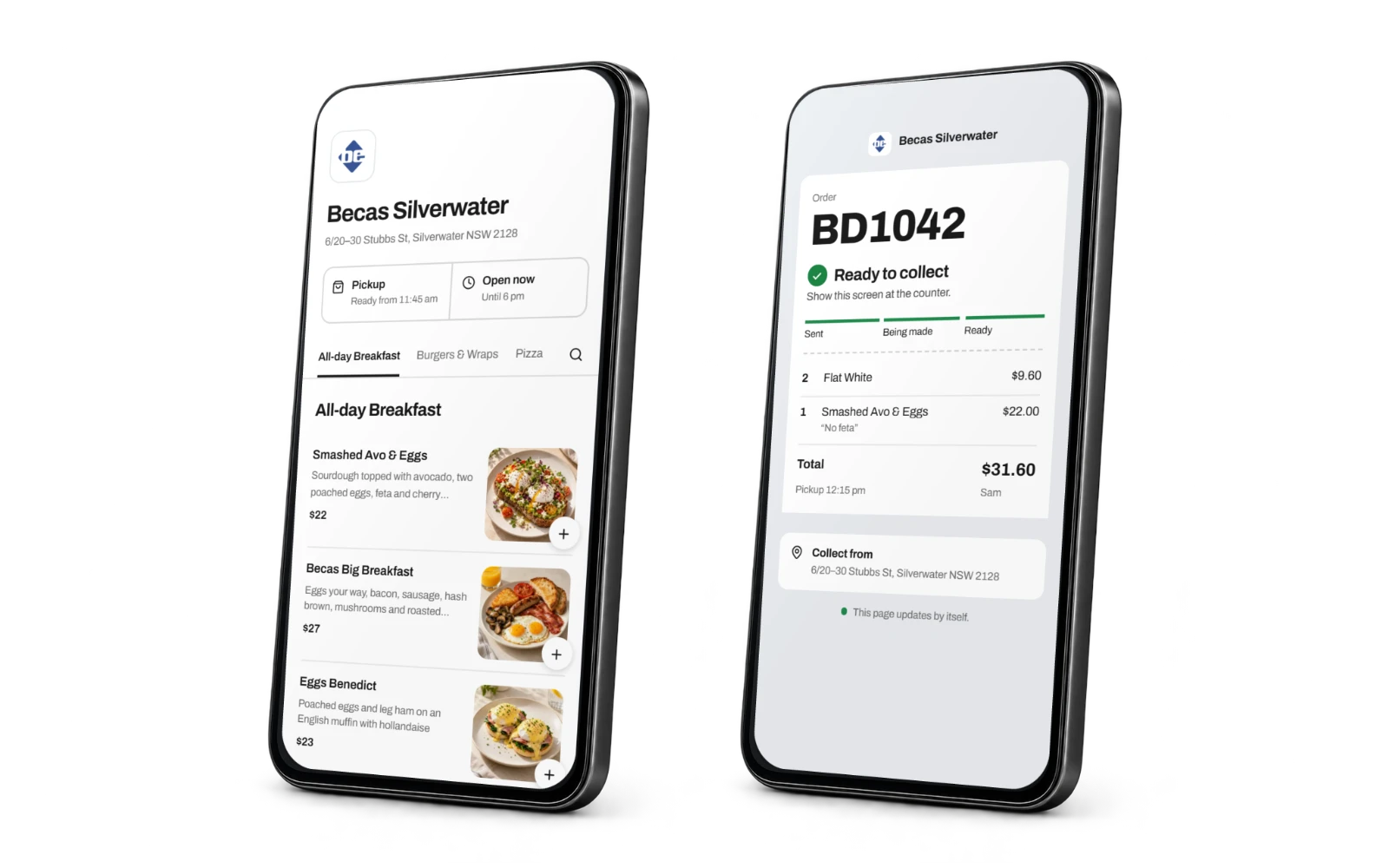
From your menu to their meal.
Present your menu
Give customers clear categories, item descriptions and choices.
Keep the service reference
Carry the pickup details or table identity with the order.
Send it into service
Connect submitted orders with preparation, collection and table service.
The practical details
Built around
the working day.
Explore the features available for your setup.
Online and table entry points
Give customers a venue ordering link and table codes where you offer QR service.
Menu consistency
Manage products, modifiers and availability across the agreed channels.
Order choices
Capture sizes, extras and preparation requests before checkout.
Online checkout
Support digital payment through the selected payment integration.
Pickup and table service
Configure pickup details and table references around the way your venue serves.
Preparation connection
Feed submitted orders into the POS and kitchen workflow.
Can we offer pickup only?
Yes. The ordering setup should reflect the fulfilment services your venue provides.
Will the online menu match the POS?
Products, modifiers and availability are mapped to the selected integration. We confirm the publishing and update workflow before launch.
Can every table have its own QR code?
Table and service-area references are configured as part of the ordering setup, including how your team receives each order.
Do guests need to install an app?
A browser-based flow lets guests open an ordering link on their phone. We confirm the selected ordering platform and customer journey during setup.
Can staff still take orders?
Guest ordering can sit alongside counter and handheld service. We plan the bill and table workflow around your venue.
Are fees and payment costs included?
Ordering, payment and integration charges are confirmed in your quote. The brochure does not promise a universal commission-free service.
Let’s find your fit.
Tell us about your venue, current equipment and what you want to improve. We’ll confirm the details and prepare your quote.
Our customers
Past and present, across Becas POS, paging and parking.

- Hilton Brisbane · Past project



- Rhodes Quarter, Sydney


- Darwin, NT

- Fortitude Valley, QLD