
Handheld POS & floor
Take the order. Stay on the floor.
Give floor staff the table view and ordering tools they need, from the dining room to the lounge.
- Live floor view
- Orders beside the guest
- One familiar menu
From the order to the bill.
Take the order beside the guest, keep additions on the same bill and open the payment step when they are ready. A familiar Becas workflow, on a portable screen.
The amount. The method. All in view.
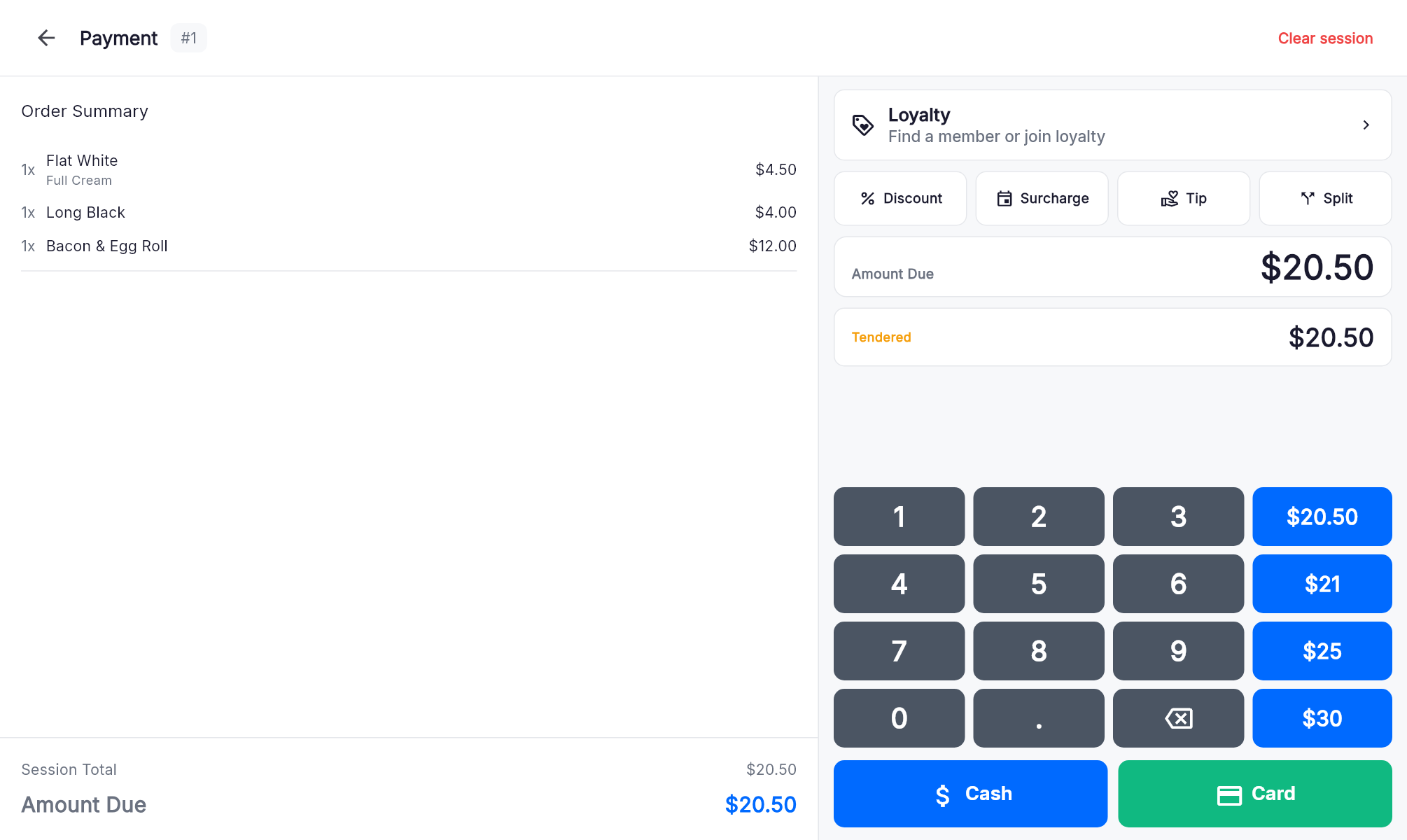
Review the order, check the amount due and choose Cash or Card from the same Becas payment screen.
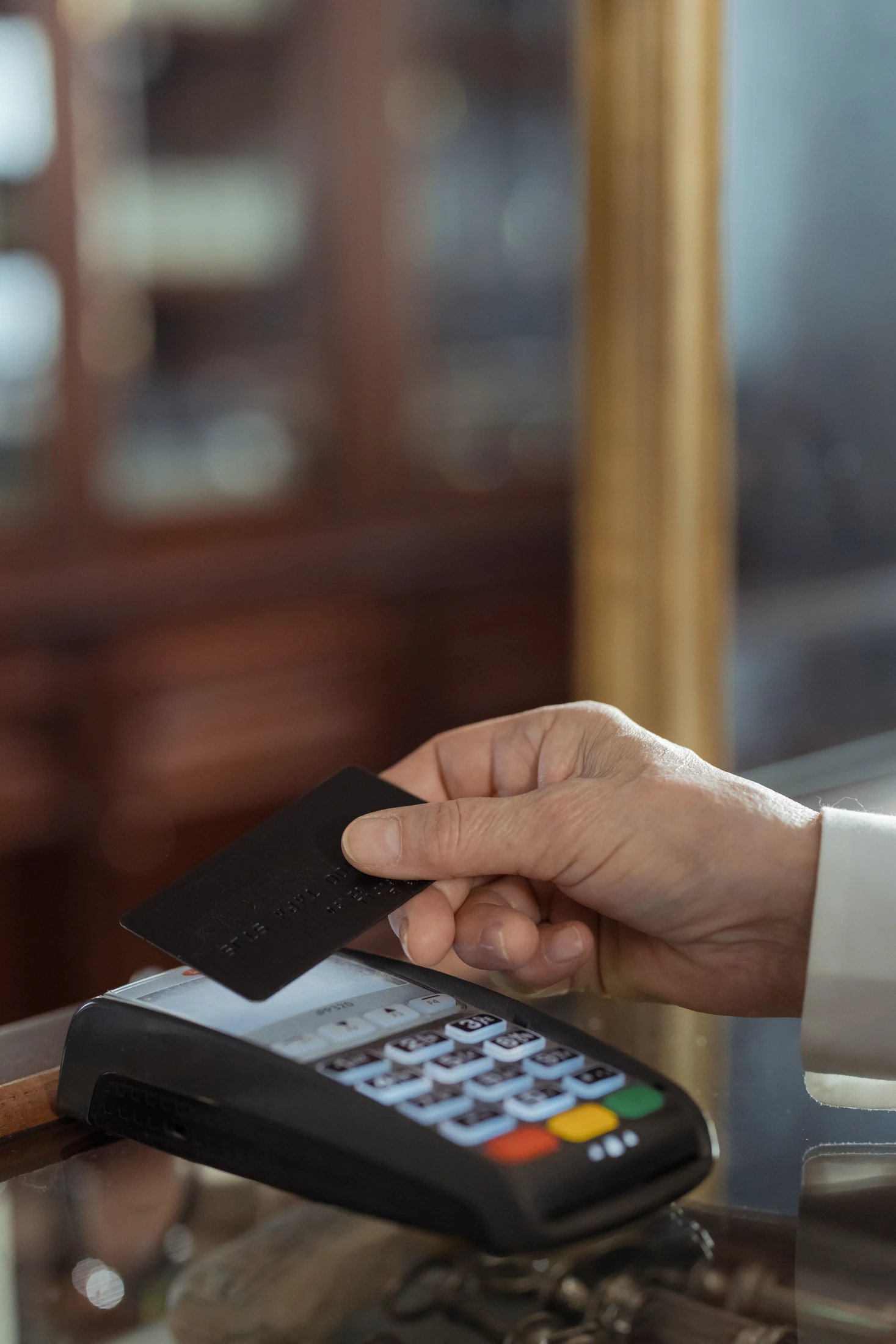
Tableside payments depend on suitable supported EFTPOS hardware.
The practical details
Built around
the working day.
Explore the features available for your setup.
Roaming order entry
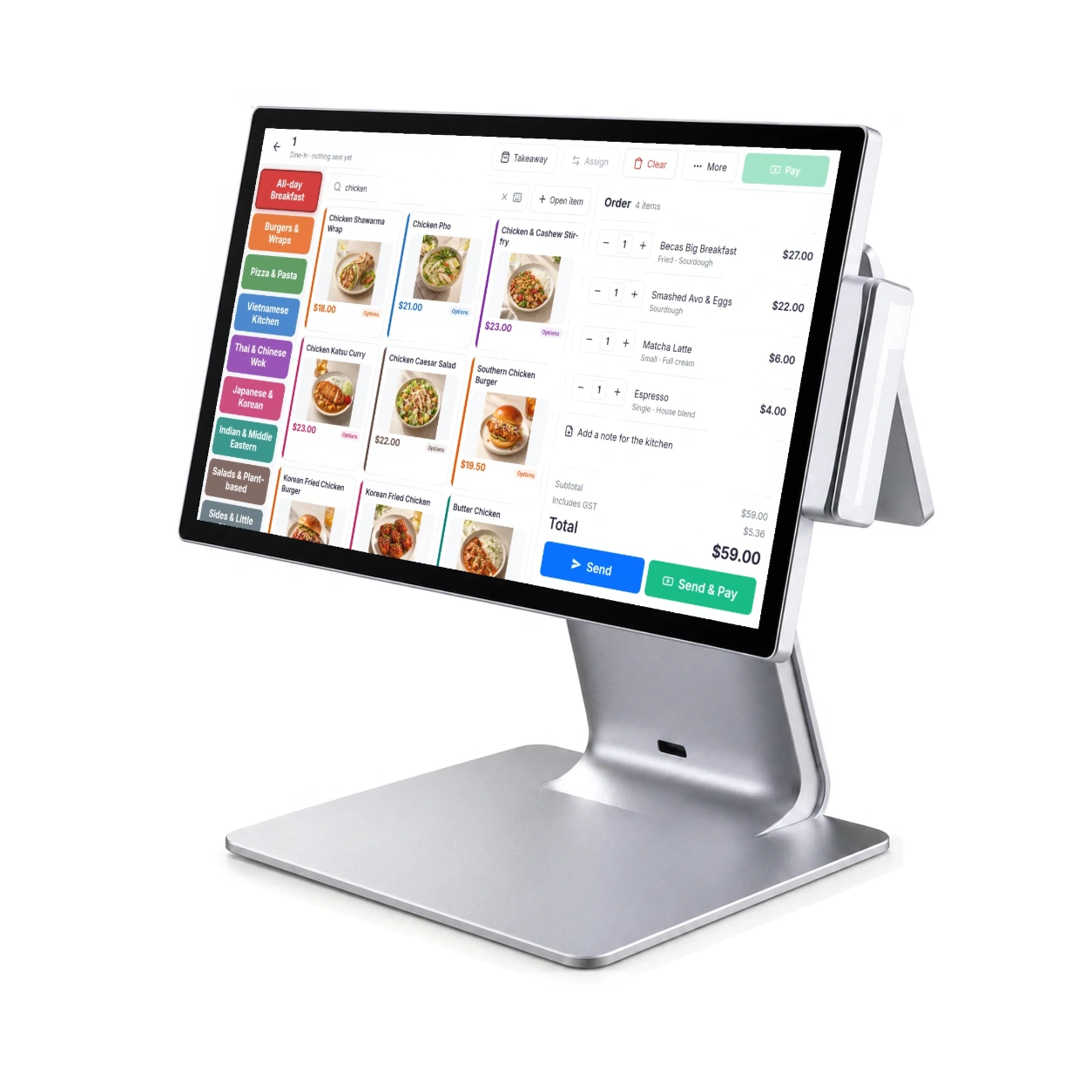
Take the order beside the guest and send it to the relevant station.
Table visibility
Review the table’s bill, service state and elapsed time.
Open sessions
Keep drinks, courses and additions connected to the same visit.
Table or pager service
Use the service reference that works for your venue.
Familiar ordering
Staff work with the same menu categories and preparation choices.
Tableside payment options
Pair the floor workflow with suitable supported EFTPOS hardware.
Is handheld POS a separate menu?
Floor and counter staff use the same centrally managed menu, with the relevant categories, modifiers and availability.
Which tablet should we use?
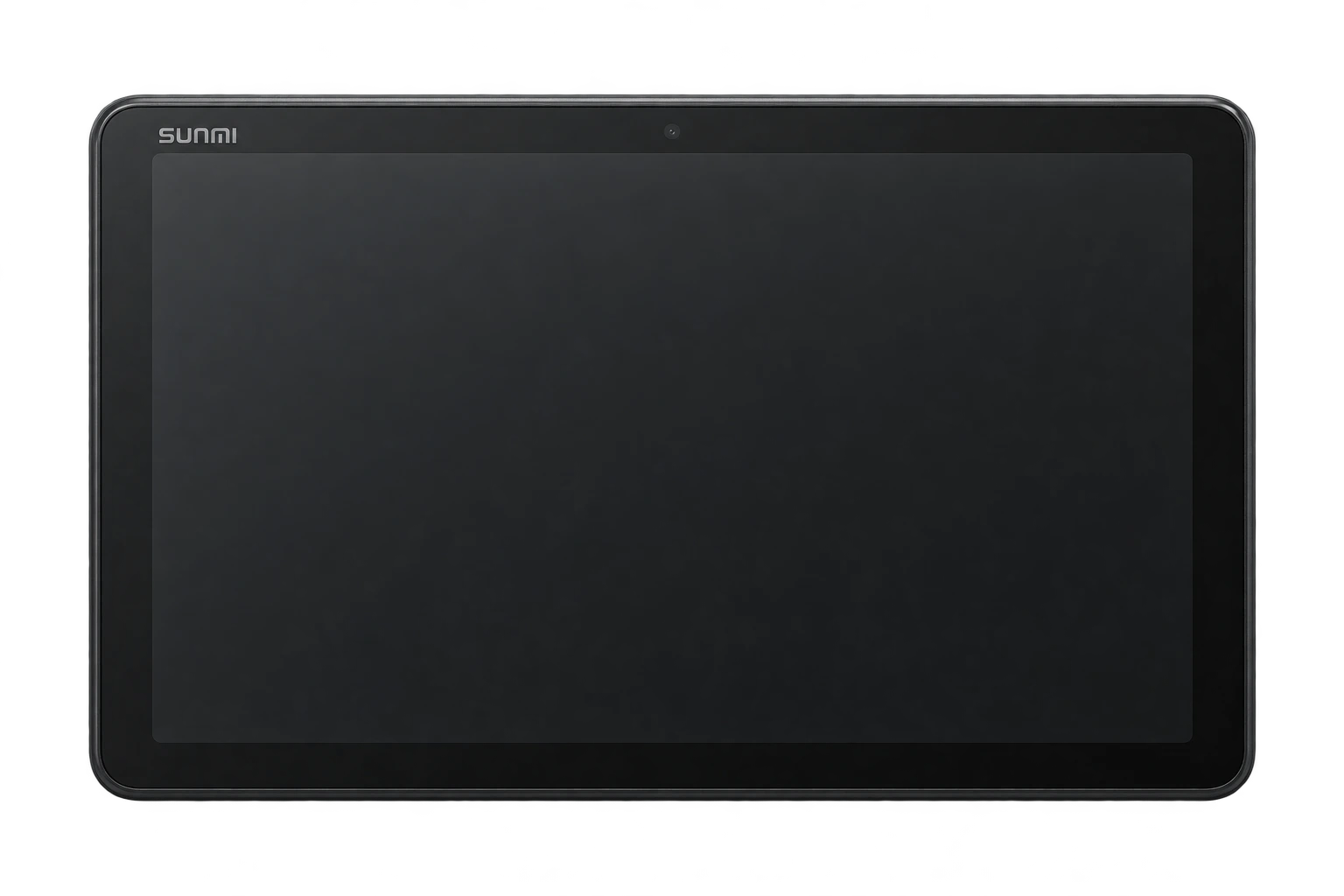
We select a supported device and mounting or carrying arrangement around your service environment. The SUNMI CPad 8.7-inch is shown as a hardware option. Availability, accessories and software compatibility are confirmed in your quote.
Does the tablet also take card payments?
Card payments use suitable supported payment hardware. We confirm the tableside workflow and provider as part of the setup.
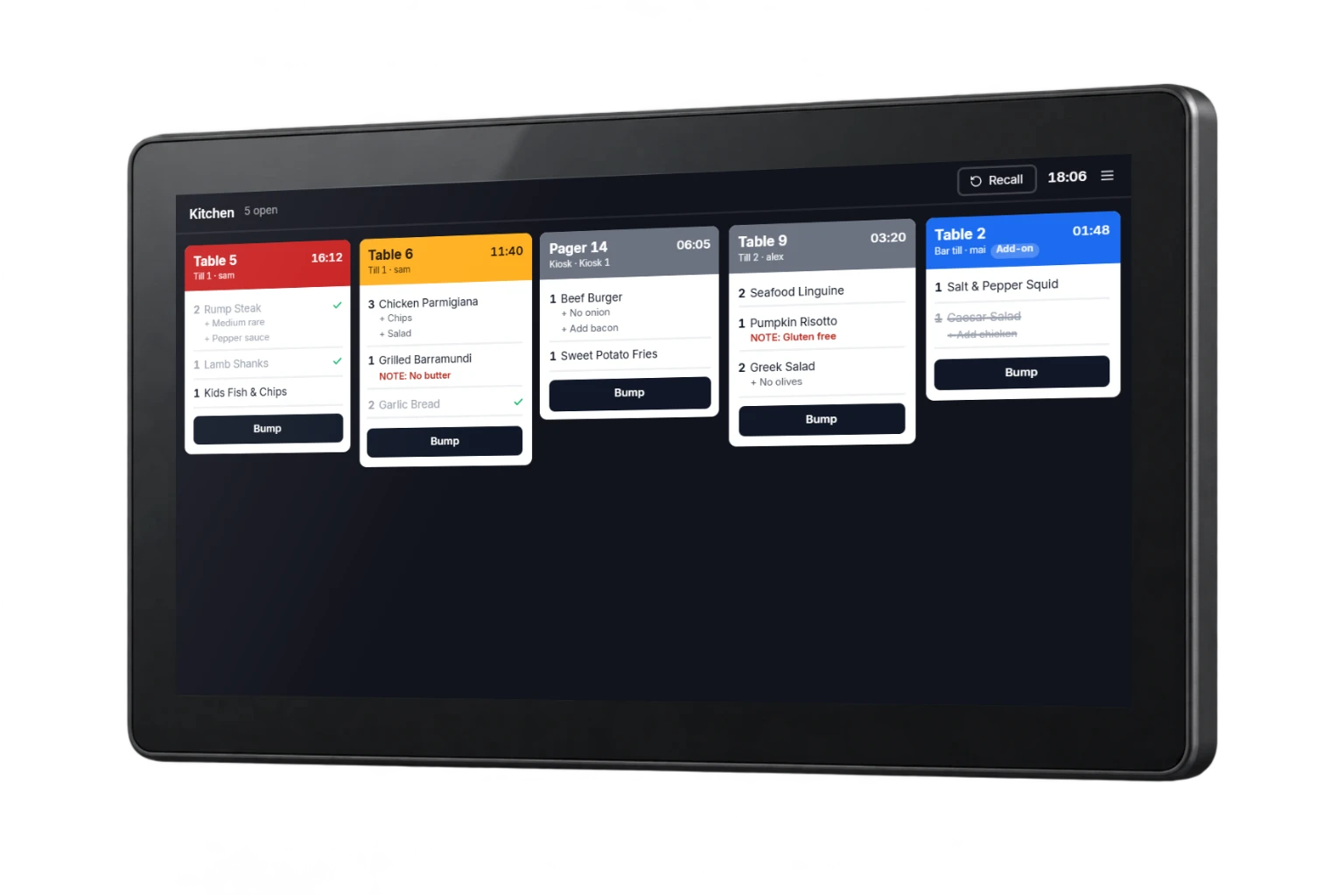
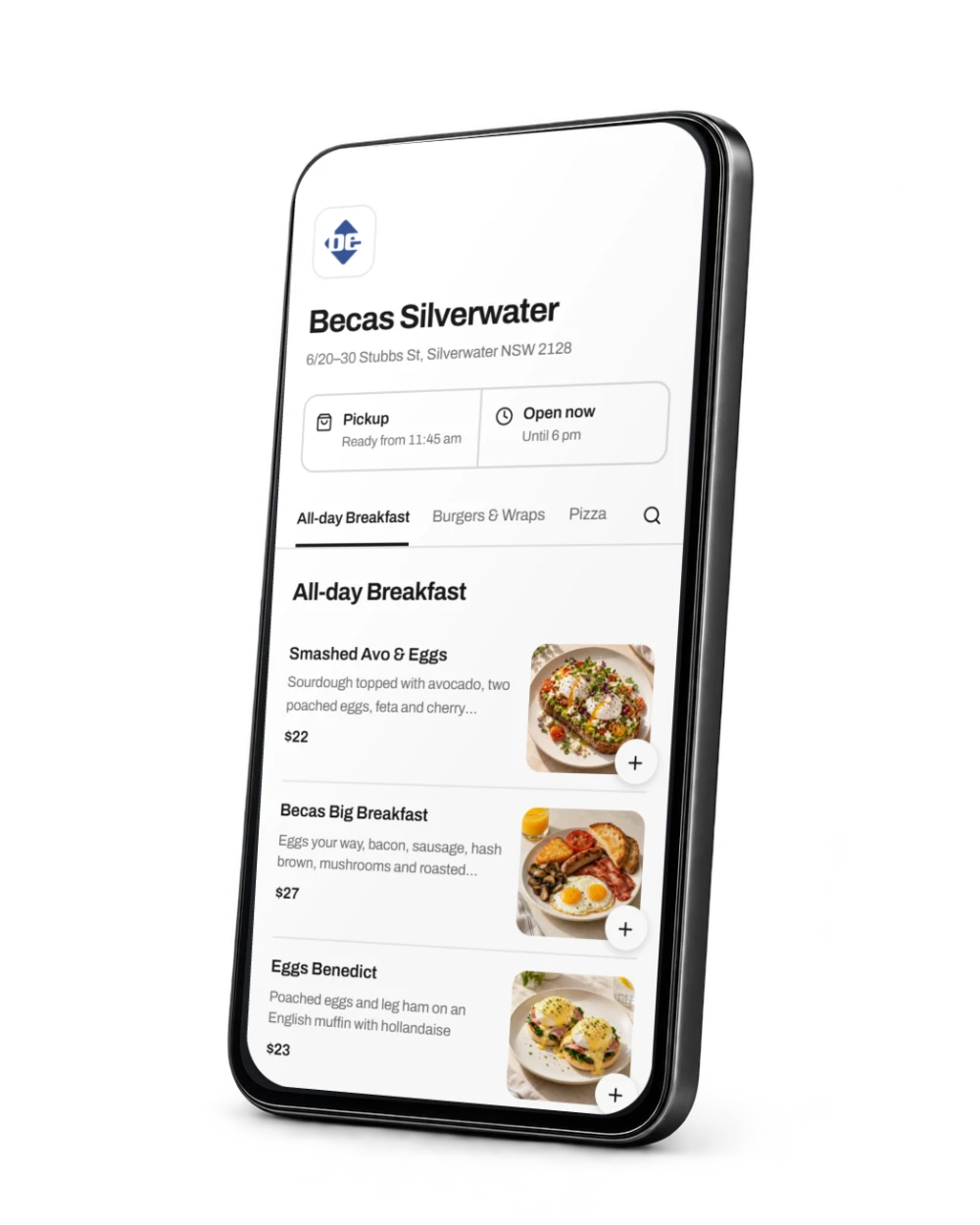
Let’s find your fit.
Tell us about your venue, current equipment and what you want to improve. We’ll confirm the details and prepare your quote.
Our customers
Past and present, across Becas POS, paging and parking.


- Hilton Brisbane · Past project



- Rhodes Quarter, Sydney


- Darwin, NT

- Fortitude Valley, QLD