Kitchen display
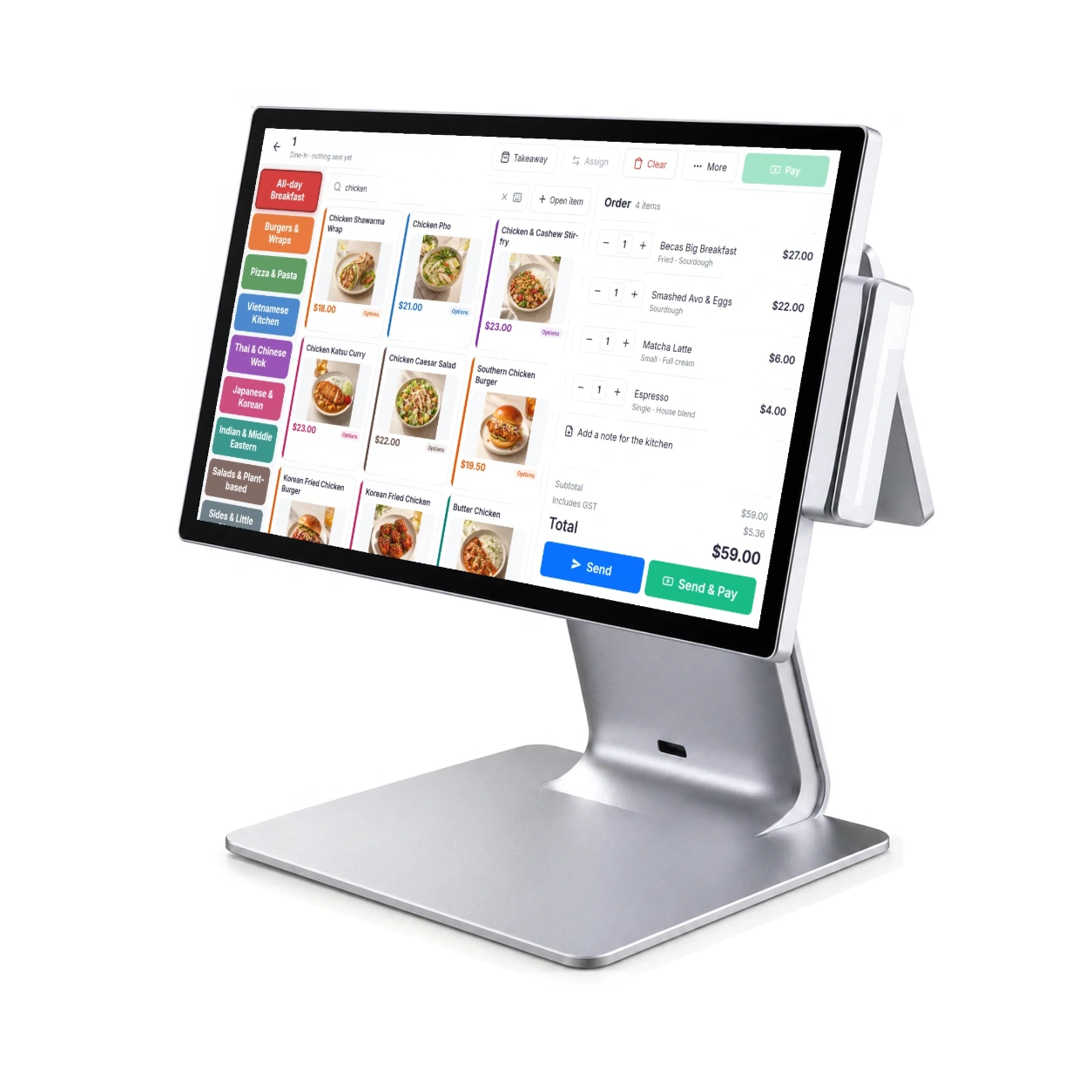
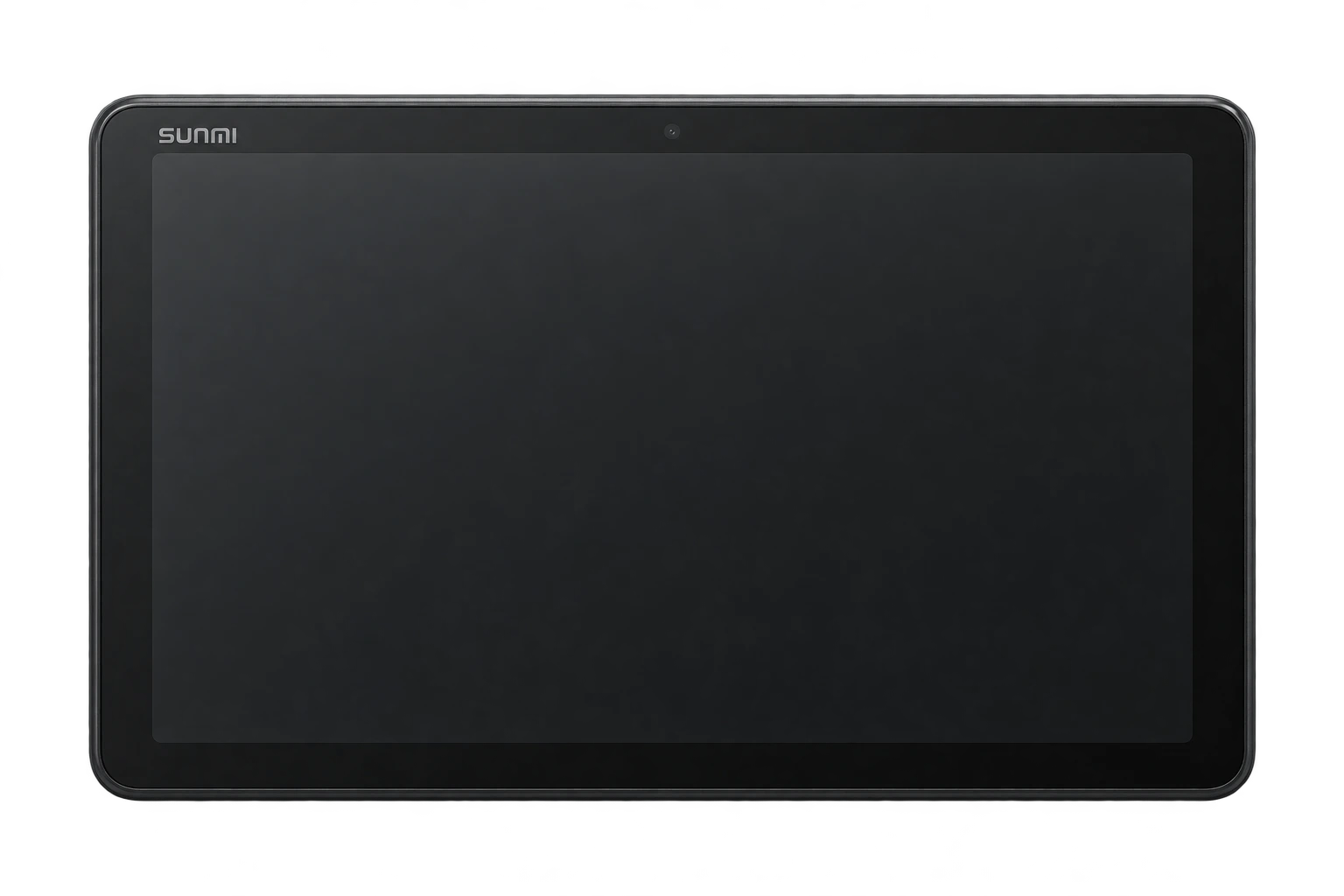
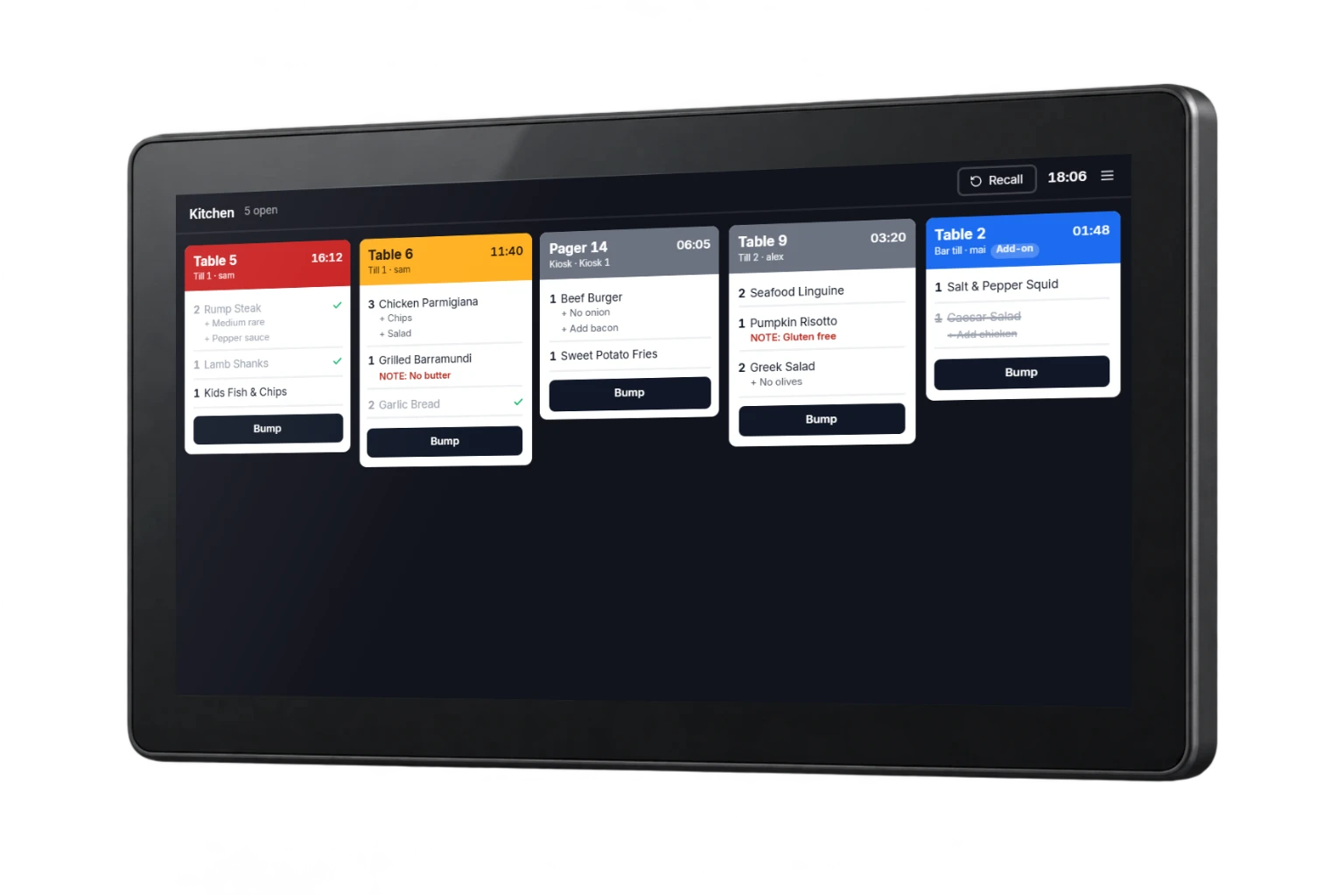
SUNMI D2s KDS
A dedicated touchscreen for the pass, bar or preparation station. Mounting is planned around your available space.
- 15.6-inch Full HD touchscreen
- VESA-compatible mounting
- Android-based SUNMI OS
Kitchen display system
Incoming orders, preparation notes and progress, brought together on screens arranged around your kitchen.
A kitchen display needs to fit the pass, the bar and the preparation line. Organise the flow around the team doing the work.
An order arrives with its service reference and preparation detail.
Each station sees the items it is responsible for.
The team marks work ready and coordinates the handover.
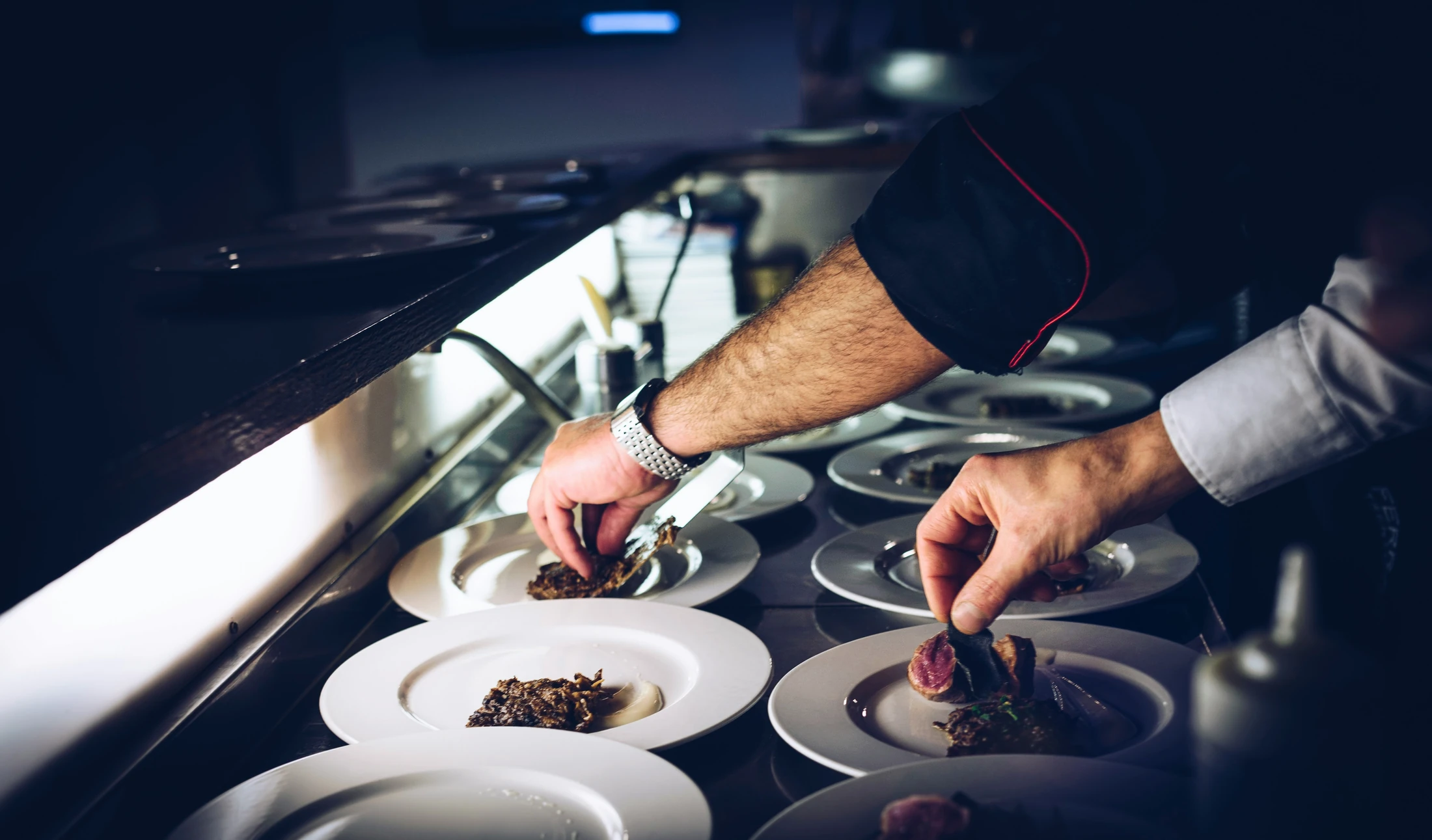
Direct food, drinks and preparation work to the responsible station.
Carry item choices and special requests with the ticket.
Choose a display, printer or combined workflow for each service area.
Choose the equipment around your service, from the counter to the preparation line.
Kitchen display
A dedicated touchscreen for the pass, bar or preparation station. Mounting is planned around your available space.
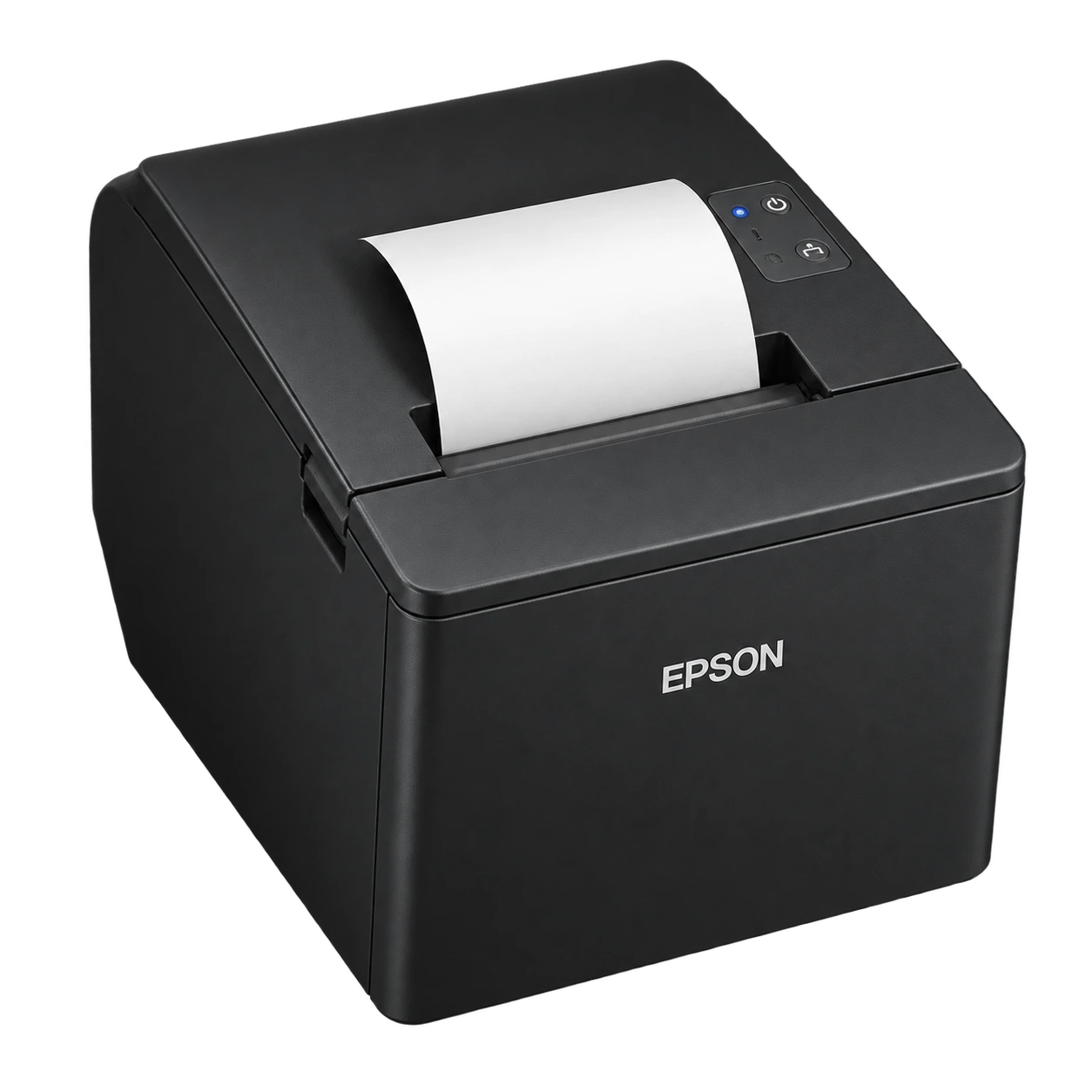
Receipt & docket printer
A familiar, compact printer for customer receipts and preparation dockets. Connection and placement are matched to your setup.
Models shown are hardware options. Availability, software compatibility and installation are confirmed in your quote.
The practical details
Explore the features available for your setup.
Bring submitted orders into the preparation queue.
Use ticket times and visual cues to spot work needing attention.
Keep modifiers and special requests beside the relevant item.
Complete tickets and review an order when the team needs it.
Arrange preparation timing around the floor’s service workflow.
Scope kitchen, bar and pass routing around the venue layout.
Yes. Display and print options can be configured together, with the workflow confirmed for each preparation station.
Station routing is configured around which team prepares each item. We map these routes during menu and venue setup.
The hardware shown is the SUNMI D2s KDS. We confirm availability, software compatibility, screen position and the right mounting option before quoting your kitchen setup.
Tell us about your venue, current equipment and what you want to improve. We’ll confirm the details and prepare your quote.
Past and present, across Becas POS, paging and parking.